Case study
Chatpoto
AI chatbots grounded in a business's own documents, that escalate to a human with the full conversation attached instead of leaving a frustrated customer to start over.
- Sector
- Conversational AI — customer support
- Built with
- Next.js
- Scope
- Chat AI, voice, knowledge base, handoff, analytics
The brief
Grounded answers, and a handoff that doesn't start over
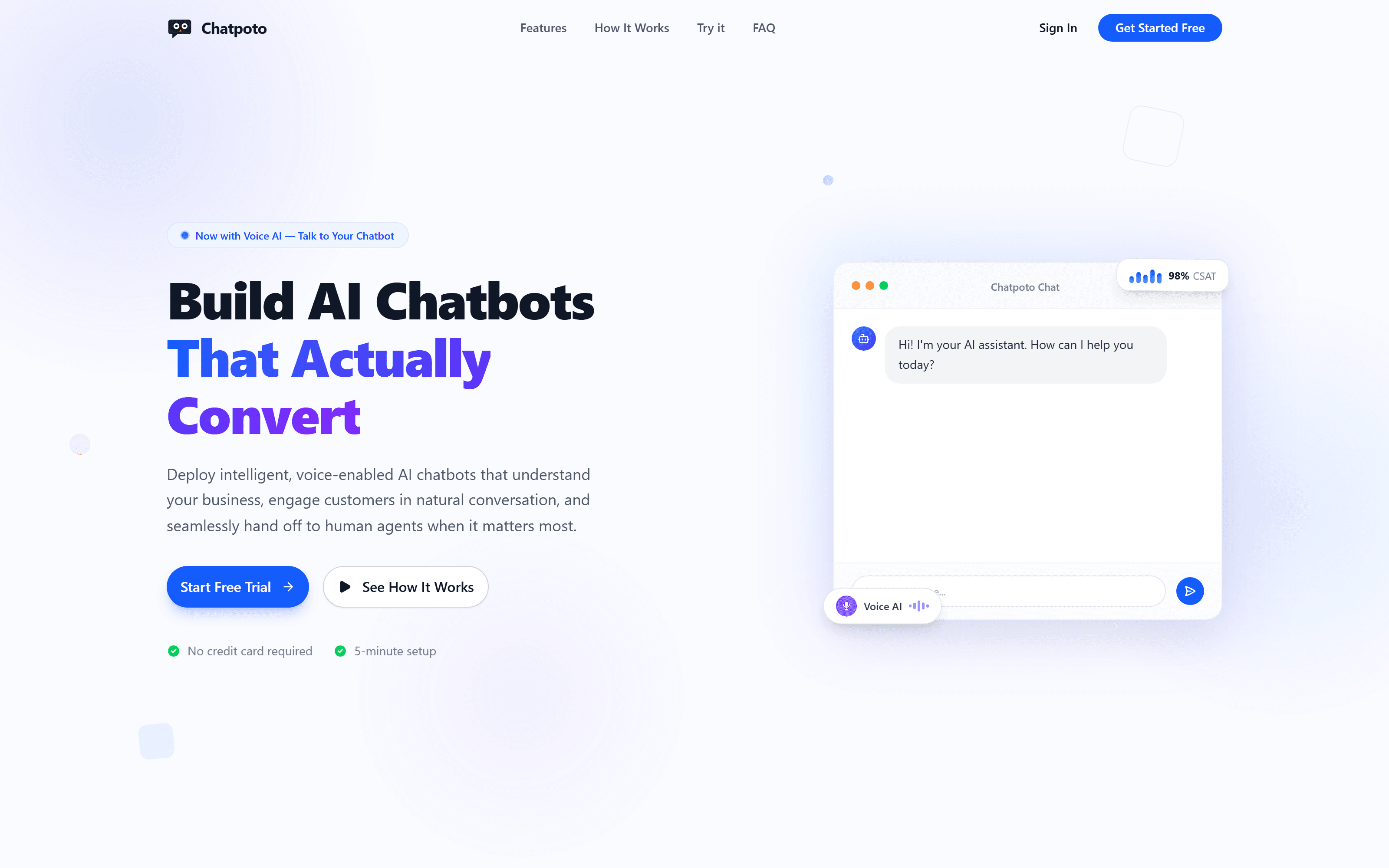
Most AI chatbots fail in one of two predictable ways: they're rigid decision trees that can't answer anything off-script, or they're open-ended and answer confidently even when they're wrong. And when a bot genuinely can't help, a lot of products treat the handoff to a human as an afterthought — the customer loops back to the start, or has to re-explain everything to whoever picks up next. Chatpoto's brief was to avoid both failure modes: answers grounded in a business's actual documents instead of open-ended guessing, and an escalation path that hands a human agent the full transcript instead of a cold start.
We also built it so a business doesn't have to choose between typing and talking. Voice is a first-class input here, not a transcription layer bolted onto a text bot afterward — a chatbot that only reads text isn't actually reachable by everyone who'd use it.
What we built
Training is an upload, not an integration
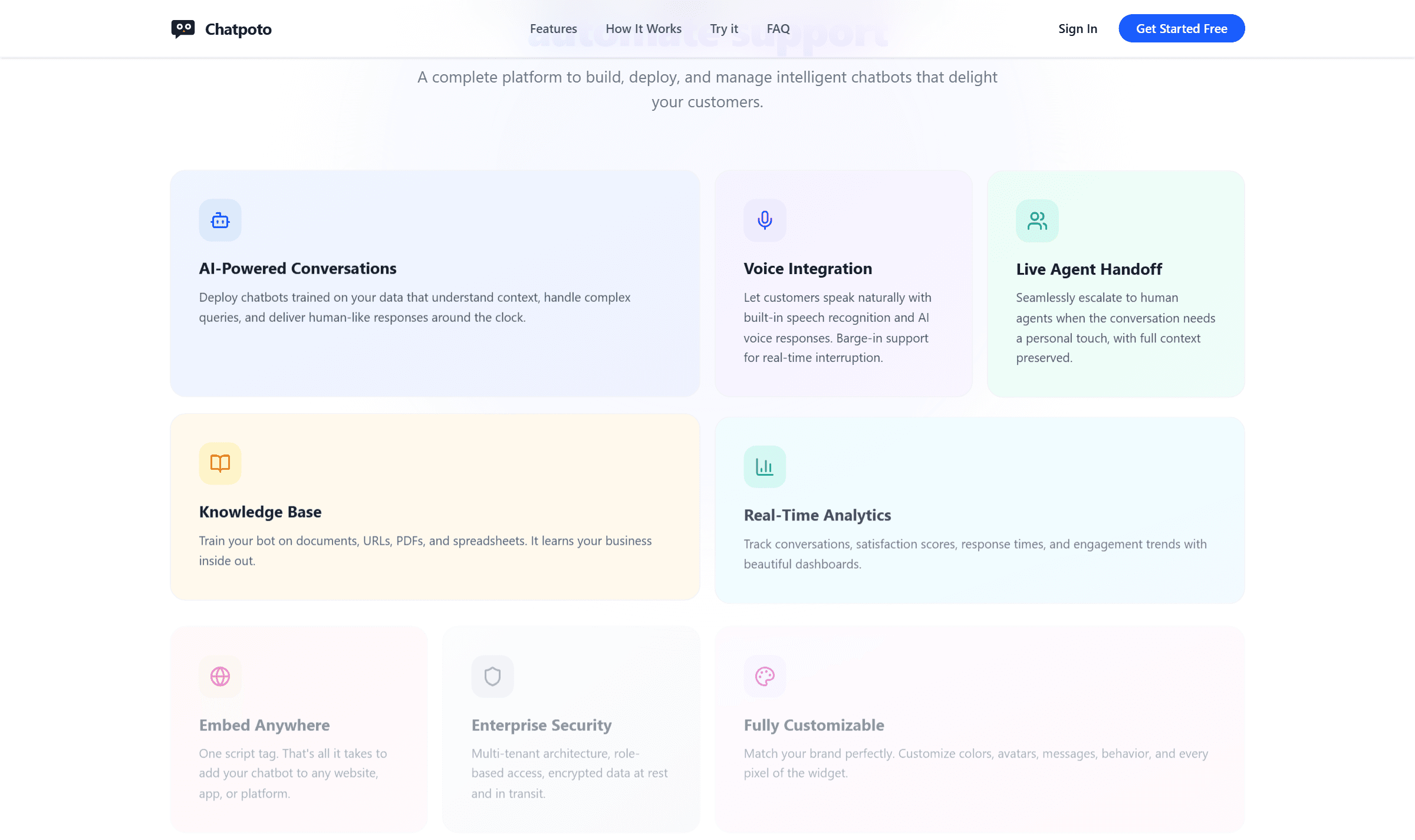
Training a bot means uploading PDFs, Word docs, plain text, or spreadsheets, or pointing it at a URL to crawl — the platform extracts the real content, chunks it, and indexes it for retrieval-augmented responses, and re-ingesting after a source document changes is one click rather than a redo. Voice runs on built-in speech recognition with barge-in support, so a customer can interrupt the bot mid-sentence the way they'd interrupt a person, instead of waiting out a fixed response before they can speak again.
The part most bots skip
A human picks up with the full conversation, not a cold start
Chatpoto watches for an explicit ask, detected frustration, or a critical question it can't answer, and routes the conversation to a human agent's dashboard with the full transcript attached — the agent continues where the bot left off instead of asking the customer to explain themselves again. Voice handoff carries the same idea into audio over WebRTC, so an escalated call stays a real-time conversation instead of dropping the customer back into a text box.
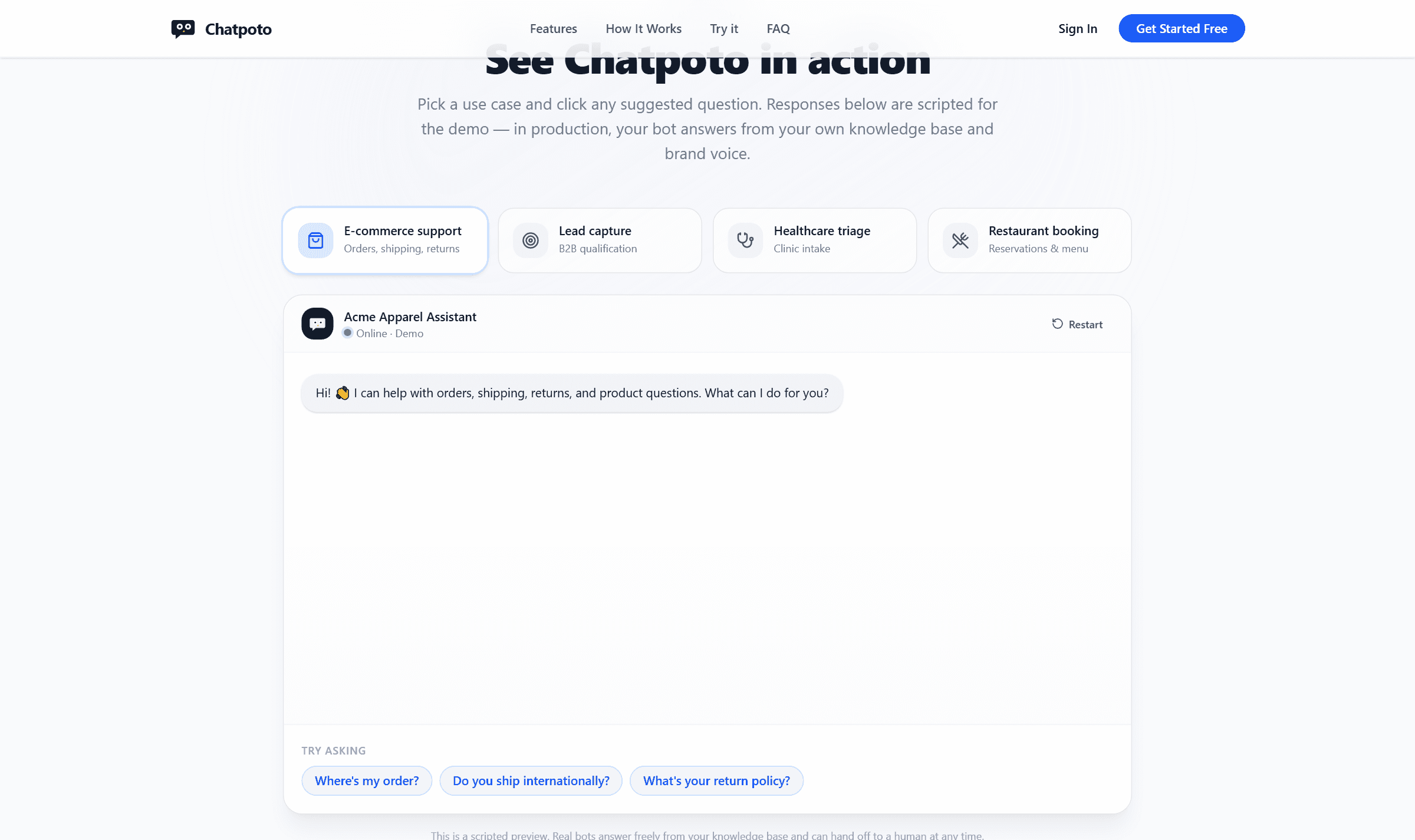
After a conversation ends, Chatpoto compiles structured data — contact details, intent, a summary — and delivers it through whatever a team already uses: email, a Discord webhook, or SMS, with the data schema defined per project so the output matches an existing CRM instead of forcing a new one. On the homepage's own live demo, a line under the widget says the responses are scripted for the demo, and a production bot answers from a business's real knowledge base and brand voice instead — an easy thing to leave out on a product this new, and one we'd rather state plainly than let someone assume the demo is the real thing.
Engineering notes
A public API key that can't read another tenant's data
Every workspace's conversations live in a multi-tenant database with row-level isolation, and the widget's API key — the one sitting in a `<script>` tag on a public website, visible to anyone who views page source — is deliberately scoped to a single chatbot. It can't read another tenant's data or take an admin action even though it's public by nature. Data is encrypted in transit and at rest, which matters more than usual here, since the whole point of the product is handing a bot a business's internal documents. Embedding is one script tag pasted before `</body>`, and it works the same on Webflow, Shopify, WordPress, or a custom app — nothing platform-specific to integrate against.
Where it stands
Free to start, five minutes to a live widget
There's no credit card required to start, and the setup path is short by design: upload the knowledge base, configure the bot's tone and conversation flow, paste one script tag, then read the analytics and adjust from there. The whole path is built to get a working chatbot live in minutes rather than a multi-week onboarding project.
Start a project
Building something like this?
We take on a handful of builds at a time so every one of them gets this kind of attention. Tell us what you're trying to ship.